Spring cloud로 MSA 개발 및 배포(1)
일단 개발환경 - 모노레포에 멀티모듈 방식
- 깃허브에 레포 생성.
- 루트 프로젝트 생성.
- 하위에 개별 모듈 넣기.
- settings.gradle은 루트 프로젝트에, build.gradle은 각각의 모듈에(settings.gradle에 include로 각각의 모듈 추가)
- 원래는 공통 파일은 루트에 두고 써야 함...하지만 이렇게 하면 나중에 배포 시 라이브러리 형태로 먼저 배포해야 하고, 설계도 꼼꼼히 해야할 것 같아 그냥 공통 파일을 따로 문서로 관리하기로 함.
Spring Cloud로 MSA 구조 만들기
1. Eureka Server 생성
1) Eureka Server 프로젝트 생성
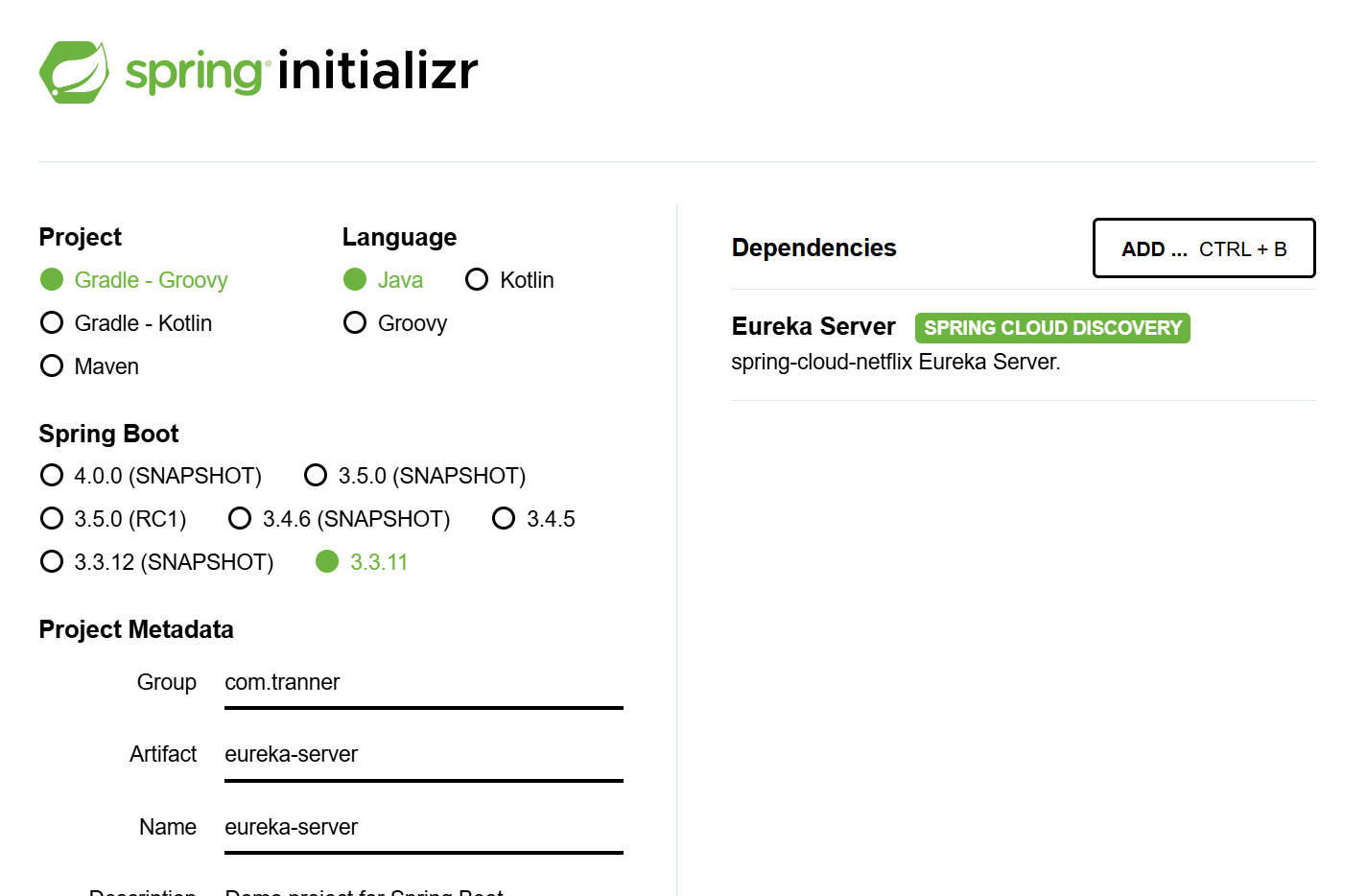
2) application.yml 작성
server:
  port: 8761

spring:
  application:
    name: service-discovery

eureka:
  client:
    register-with-eureka: false # 유레카 서비스에 (자신을) 등록 여부
    fetch-registry: false  # (유레카 클라이언트 기반) 다른 서비스들의 정보를 fetch 유무
    service-url:
      defaultZone: http://localhost:8761/eureka/ # 설정을 하지 않으면 기본 http://localhost:8761/ 로 연동된다.

management:
  endpoints:
    web:
      exposure:
        include: "*"
3) Bean 등록
@SpringBootApplication
@EnableEurekaServer
public class EurekaServerApplication {

    public static void main(String[] args) {
       SpringApplication.run(EurekaServerApplication.class, args);
    }

}
하고 localhost:8761 들어가면
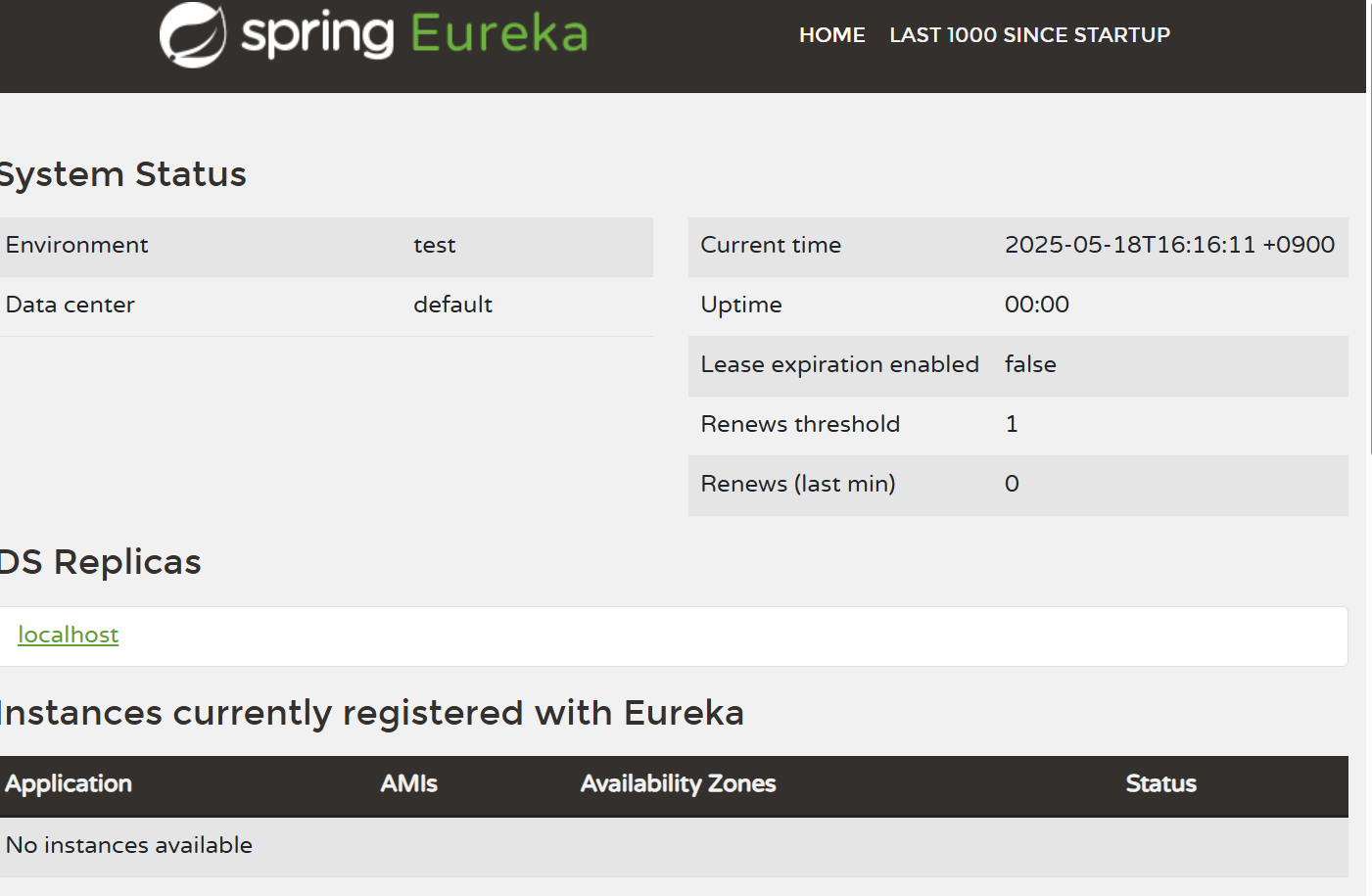
위와 같은 화면 나옴.
2. Eureka Client 등록
이미 api-gateway, account-service, external-api-proxy 존재.
api-gateway, account-service, external-api-proxy는 각각 설정이 조금씩 다름
1) api-gateway
아래와 같이 유레카 클라이언트, 로드밸런서 의존성 추가.
(다른 마이크로서비스 호출하는 모듈에는 로드밸런서 의존성 추가 필요함!)
implementation 'org.springframework.cloud:spring-cloud-starter-netflix-eureka-client'
implementation 'org.springframework.cloud:spring-cloud-starter-loadbalancer'
application.yml에 유레카 설정 추가하여 유레카 클라이언트 서버 등록
eureka:
  instance:
    instance-id: ${spring.application.name}:${spring.cloud.client.hostname}
  client:
    register-with-eureka: true
    fetch-registry: true
    service-url:
      defaultZone: http://localhost:8761/eureka
@EnableDiscoveryClient 어노테이션으로 Eureka client 서버임을 선언
@SpringBootApplication
@EnableDiscoveryClient
@ComponentScan("com.tranner.api_gateway")
public class ApiGatewayApplication {

    public static void main(String[] args) {
       SpringApplication.run(ApiGatewayApplication.class, args);
    }

}
application.yml에서 gateway routing uri 수정
spring:
  application:
    name: api-gateway

  cloud:
    gateway:
      routes:
        - id: account-service
          uri: lb://account-service
          predicates:
            - Path=/account/**
        - id: travel-plan-service
          uri: lb://travel-plan-service
          predicates:
            - Path=/plan/**
        - id: travel-plan-search-service
          uri: lb://travel-plan-search-service
          predicates:
            - Path=/search/**
        - id: travel-discovery-service
          uri: lb://travel-discovery-service
          predicates:
            - Path=/discovery/**
위와 같이 설정을 마치고, eurekaserver와 api-gateway를 run해보면
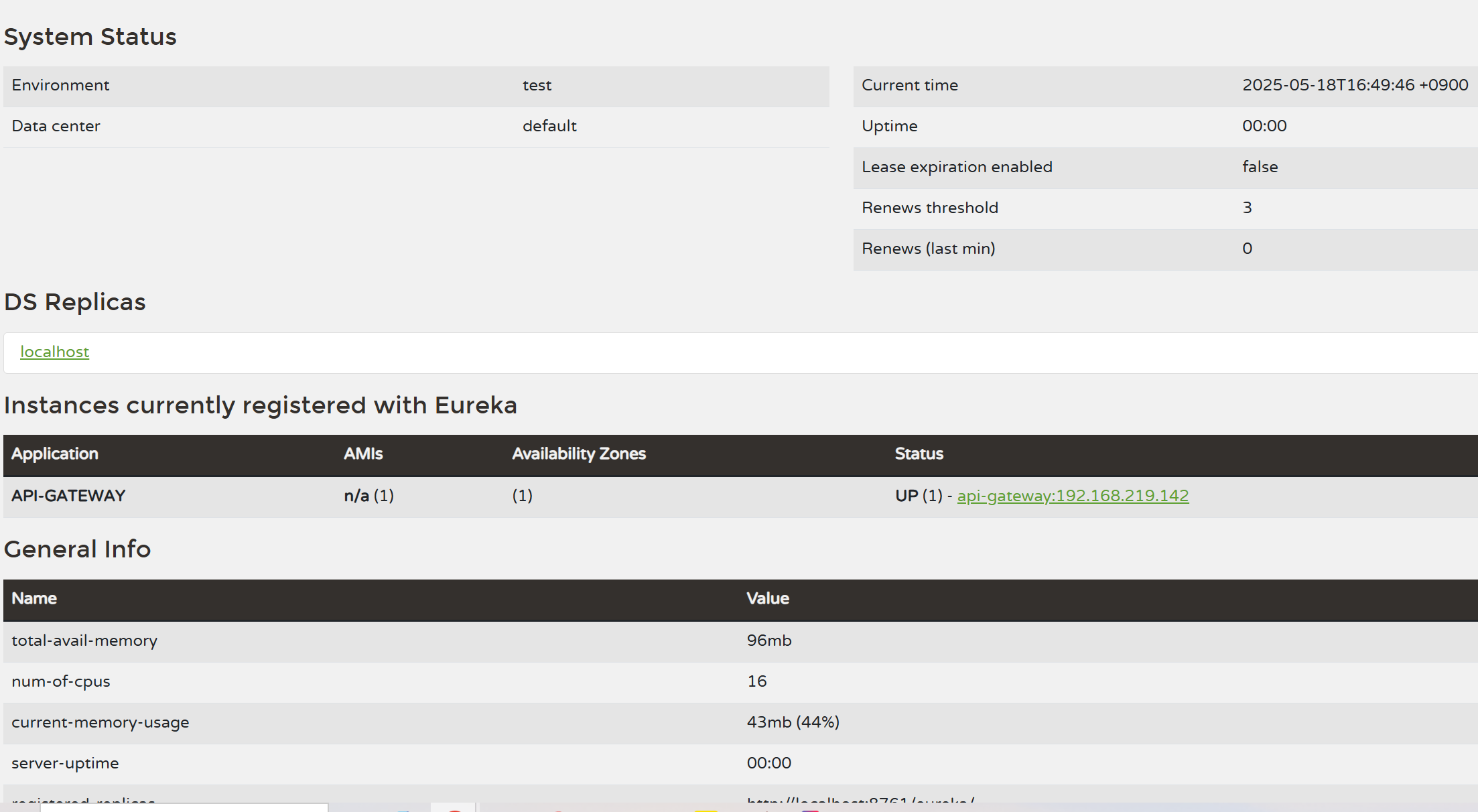
이렇게 잘 등록이 된 게 보인다!
1) api-gateway 외의 다른 모듈
위에서 했던 것처럼 유레카 클라이언트 의존성만 추가
Eureka client server 등록
Application.java에 @EnableDiscoveryClient 추가
이것만 해주면 된다.
근데 의존성 추가하고 build gradle하는데 문제 생김
BOM 설정 안 해서!
-> build.gradle에
ext {
    set('springCloudVersion', "2023.0.5")
}
dependencyManagement {
    imports {
       mavenBom "org.springframework.cloud:spring-cloud-dependencies:${springCloudVersion}"
    }
}
이거 추가하기!!
다음에는 도커파일 만들어서 github action으로 CI/CD 적용 및 ECR에 도커 이미지 푸시하는 것까지 하겠다~
참고:
Eureka Server 생성
- https://themapisto.tistory.com/171